
A Landing Page for Every Campaign.
Live in Minutes.
Leadmetrics Landing Page Builder writes the page from your brief, reviews it for conversion and SEO, and publishes it on your own domain — with every lead it captures going straight into WebCMS.
AI Generation · AI Page Review · Hosting & Custom Domains · Built by Leadmetrics
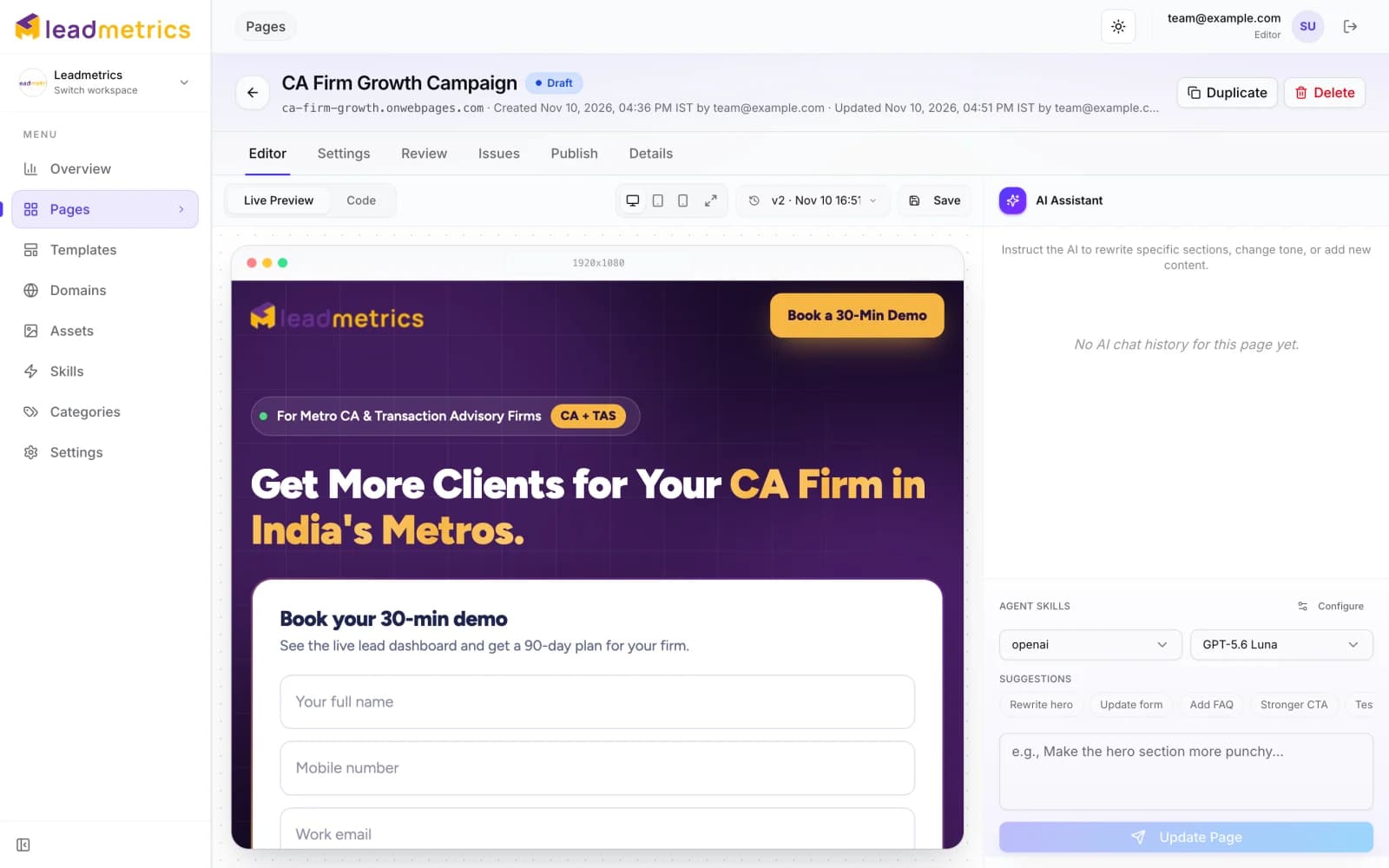
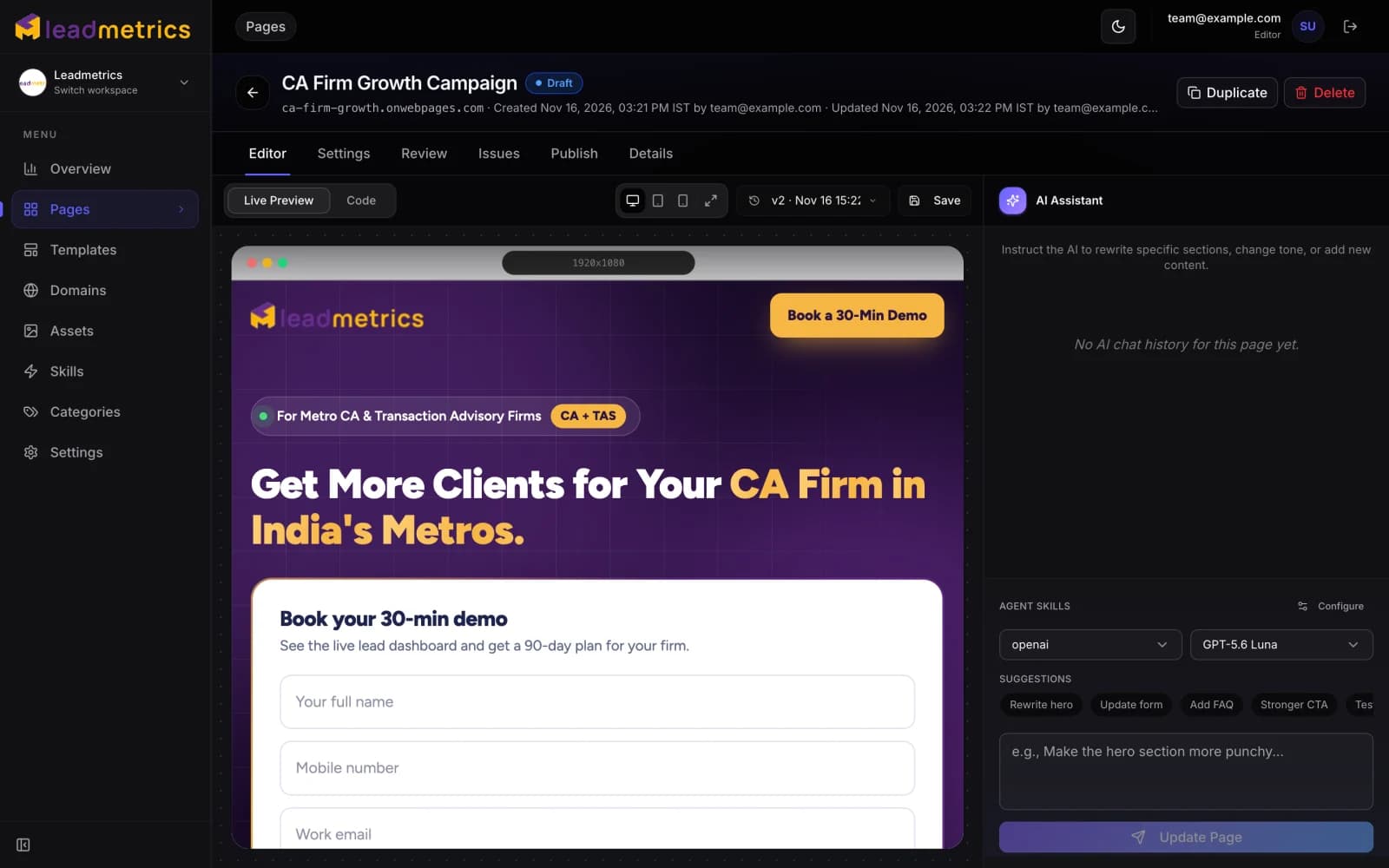
The Campaign Is Ready.
The Landing Page Isn't.
The ads are approved and the budget is set, but the page they point to is still waiting on a designer, a developer and somewhere to host it. When it finally ships, nobody checked whether the call to action works on a phone, and the form leads end up in a tool nobody looks at. We built the Landing Page Builder so a page can go from brief to live the same day — reviewed, hosted and connected to your leads.
Launch Your Next Page FasterFrom Brief to Live Page,
Screen by Screen.
Real screens from the Landing Page Builder, taken from the workspace Leadmetrics runs its own campaign pages in.
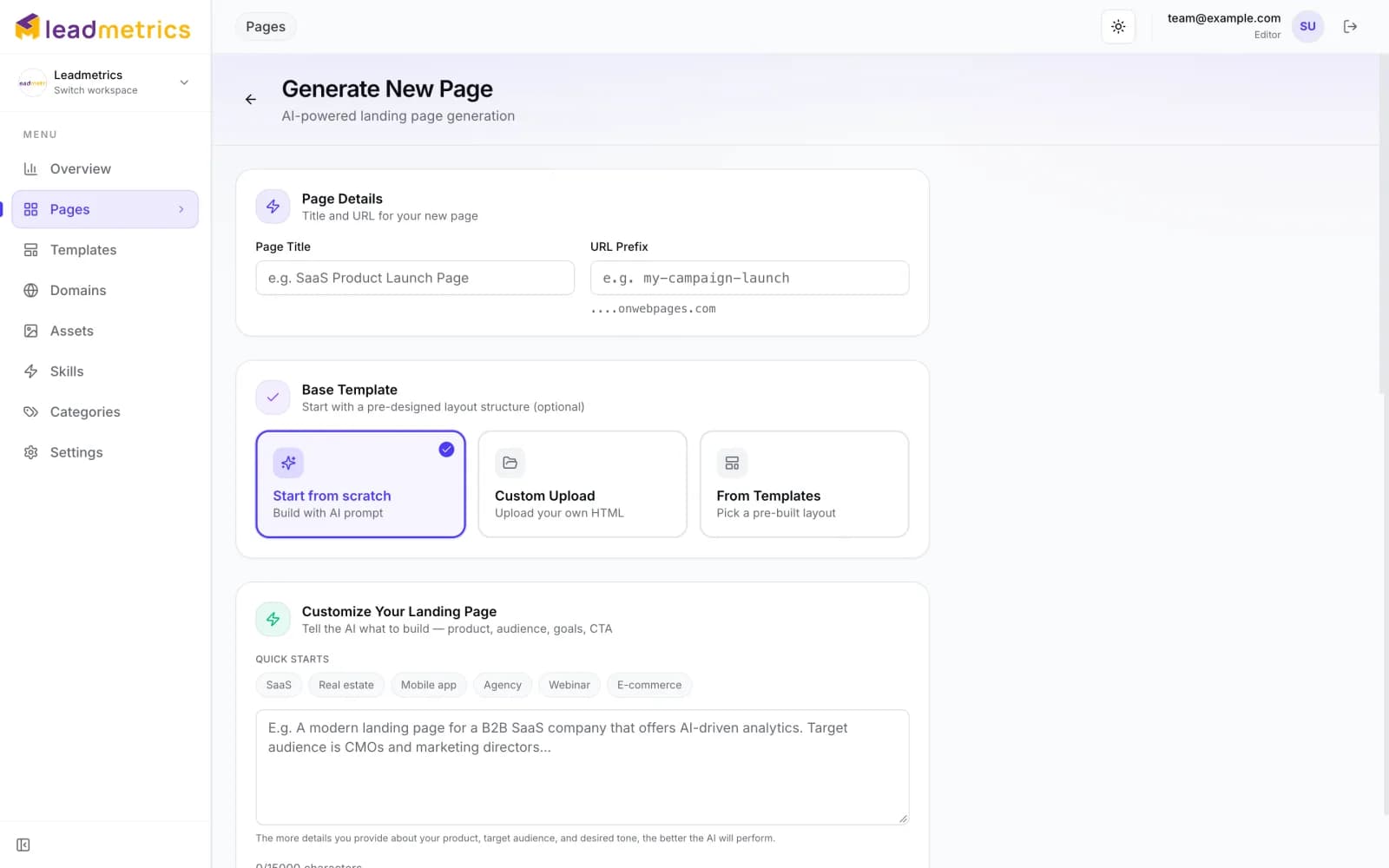
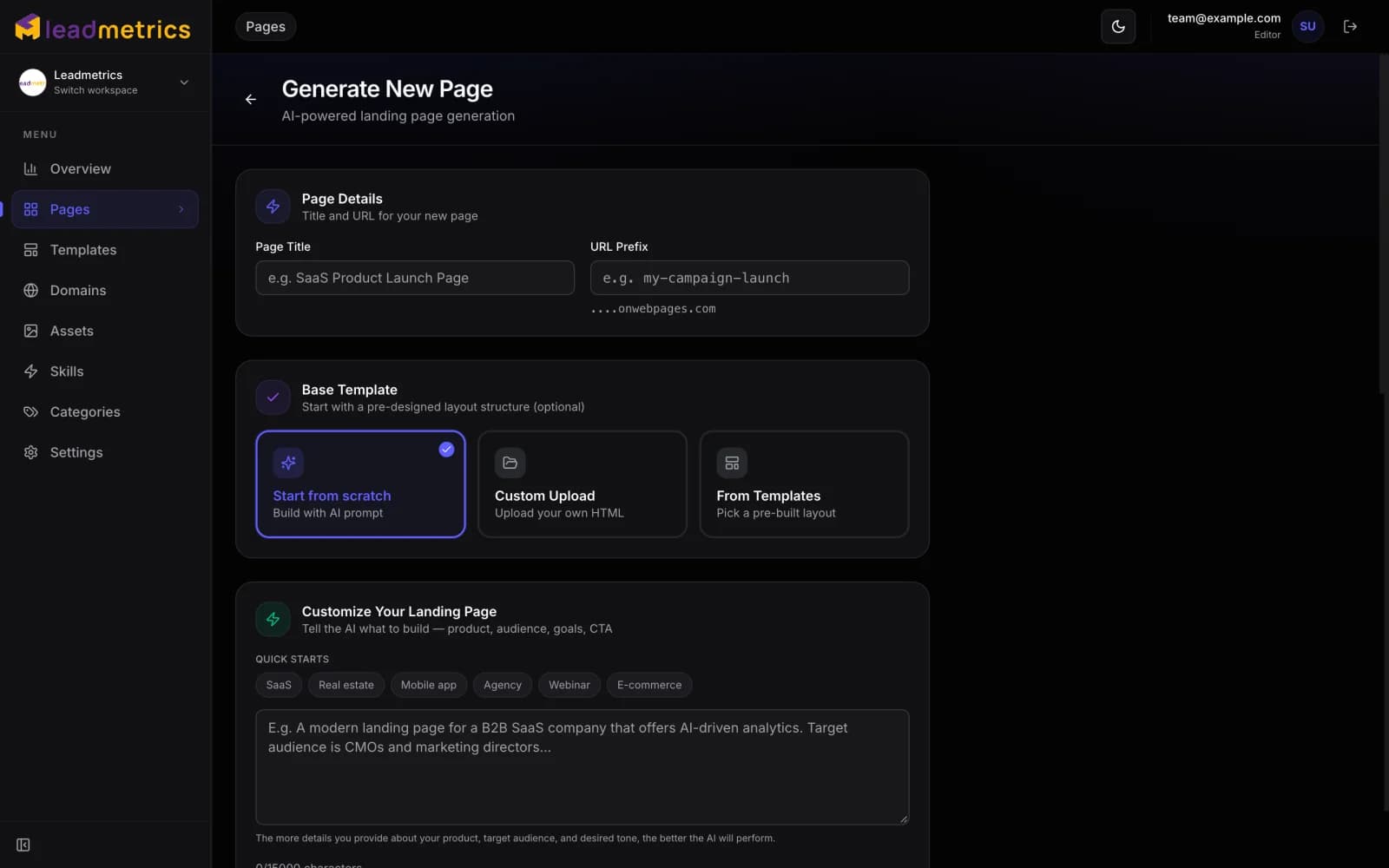
Start From a Brief, a Template or Your Own HTML
Name the page, choose how to start and tell the AI about the product, the audience and the call to action. Quick starts give it a head start, and Brand Fetch applies your logo and colours before the first word is written.
- Start from scratch, from a template, or upload an existing HTML page
- Quick-start briefs for SaaS, real estate, apps, agencies, webinars and e-commerce
- Logo, favicon and brand colours fetched from your website
See the Score. Pick the Fixes.
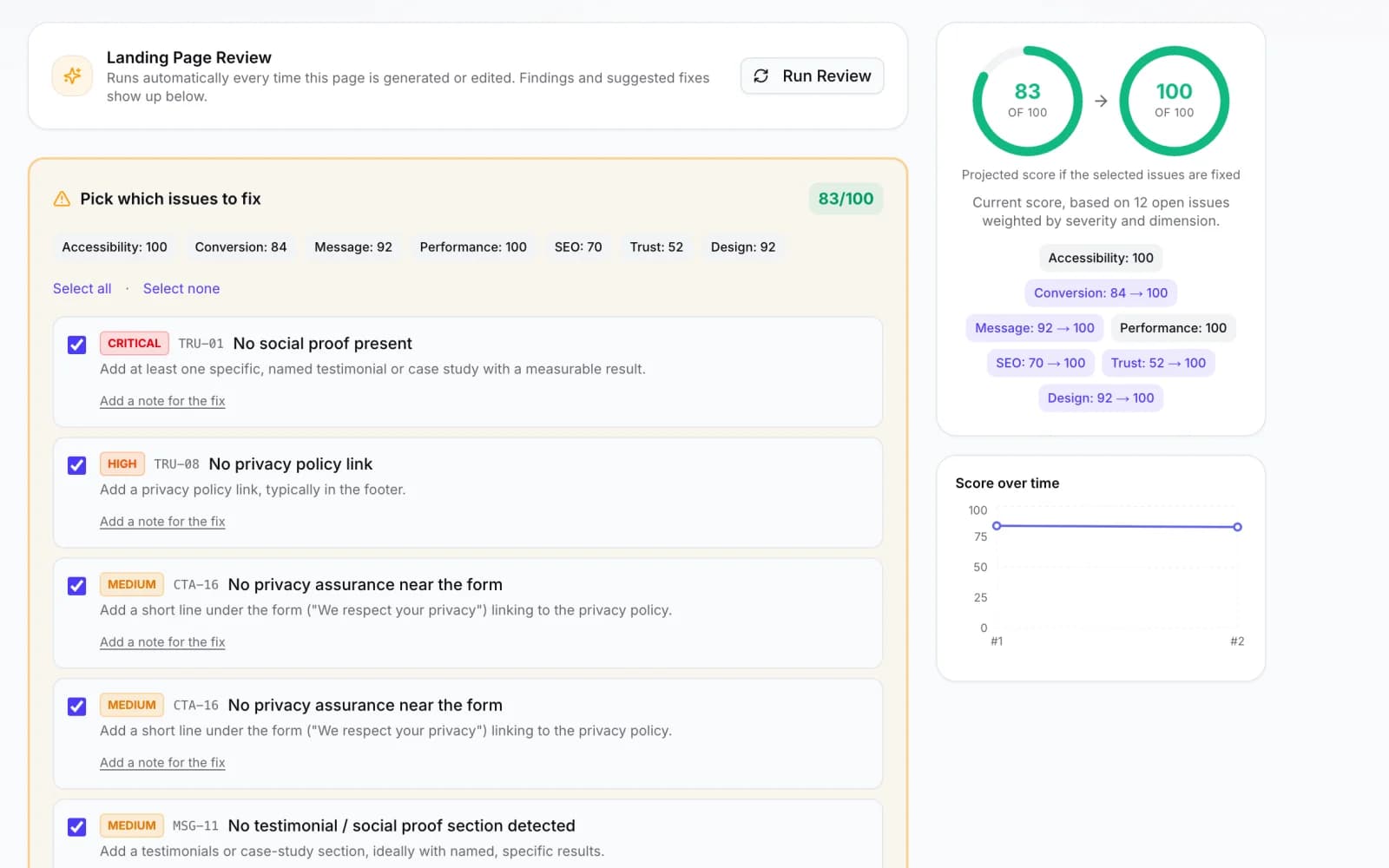
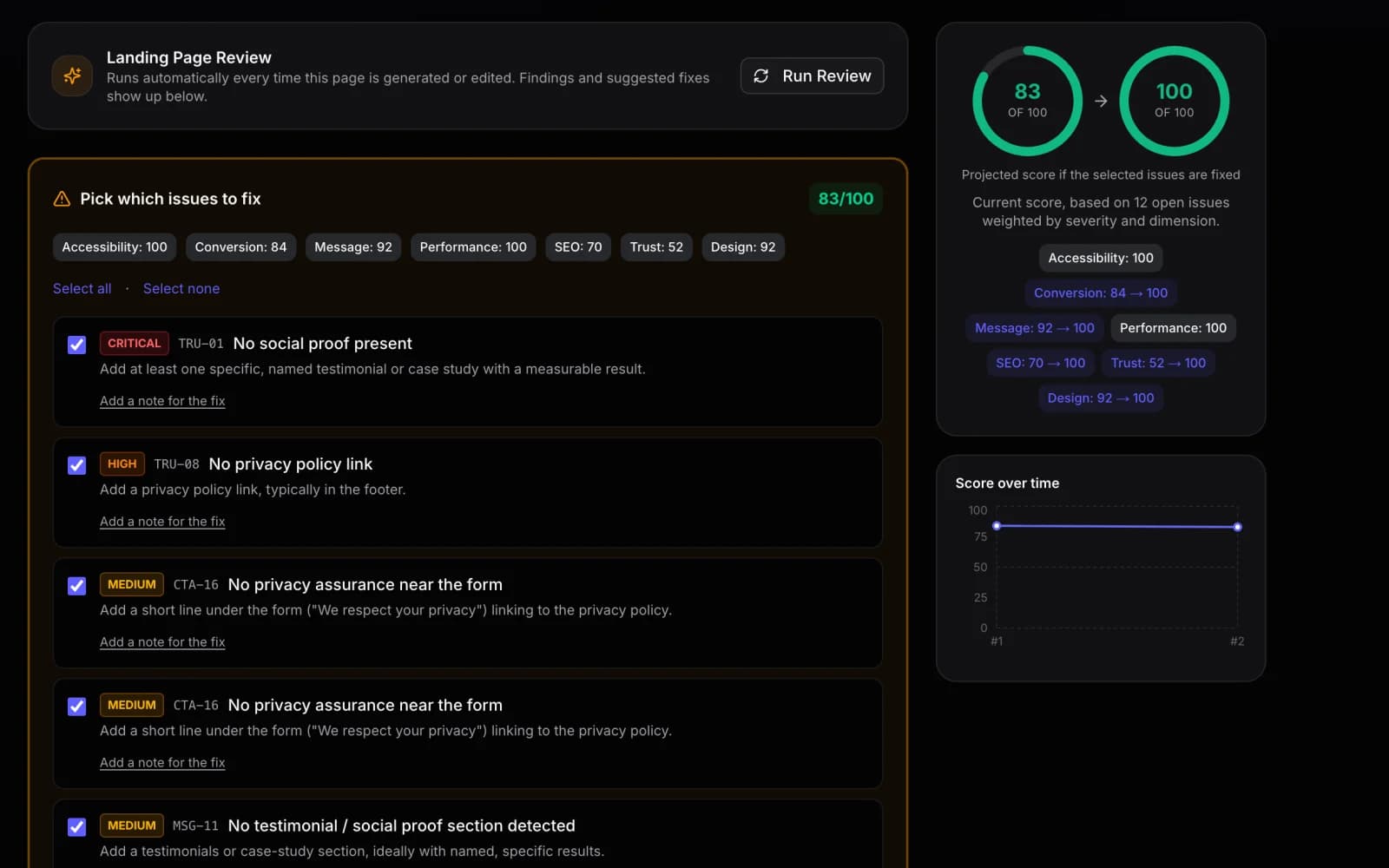
Every generated or edited version is reviewed automatically. The page gets a score out of 100, each finding is ranked by severity, and the projected score shows what fixing the selected issues would earn — before anything changes.
- Scores for message, conversion, trust, SEO, performance, design and accessibility
- Findings ranked critical to low, with a note field on every fix
- Score history across versions, so you can see a page improve
Every Setting a Campaign Page Needs, on One Screen
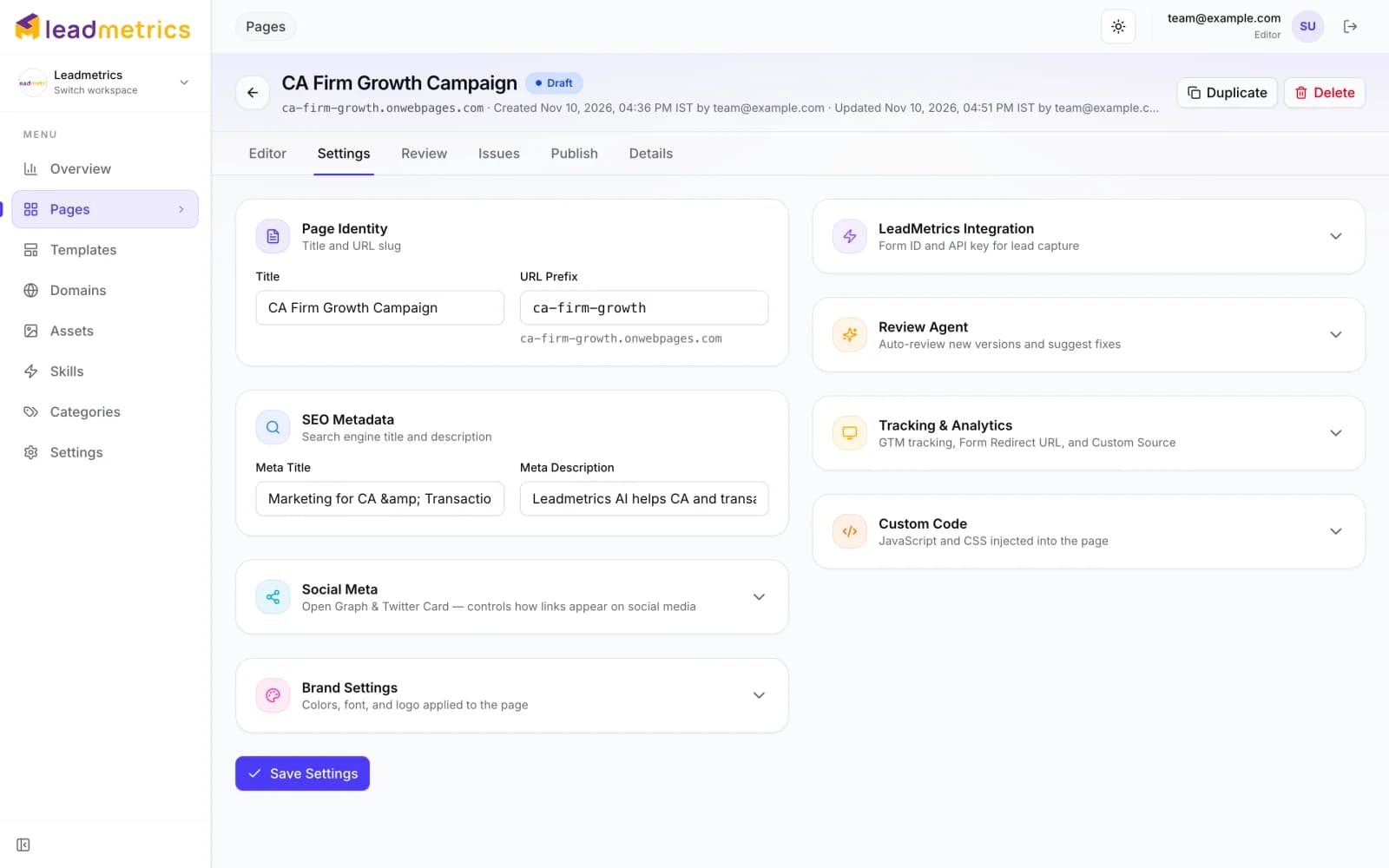
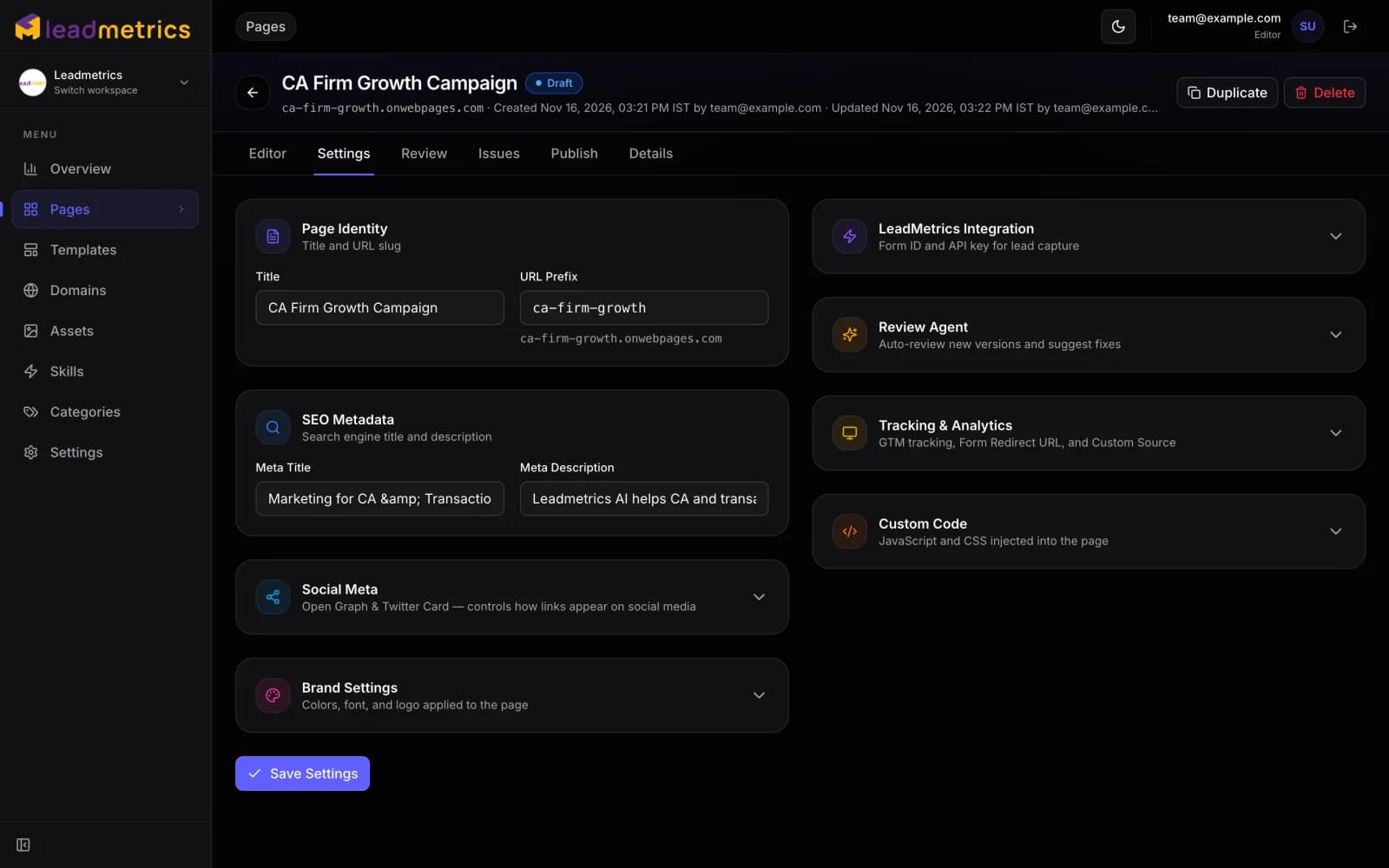
SEO title and description, social previews, brand colours and fonts, the WebCMS form, review defaults, tracking and custom code — set per page, without opening a code editor.
- Meta tags, Open Graph and Twitter Card previews per page
- Google Tag Manager, a thank-you redirect and a lead source label
- Custom CSS and JavaScript when a page needs something extra
Live on a Subdomain — or a Path on Yours
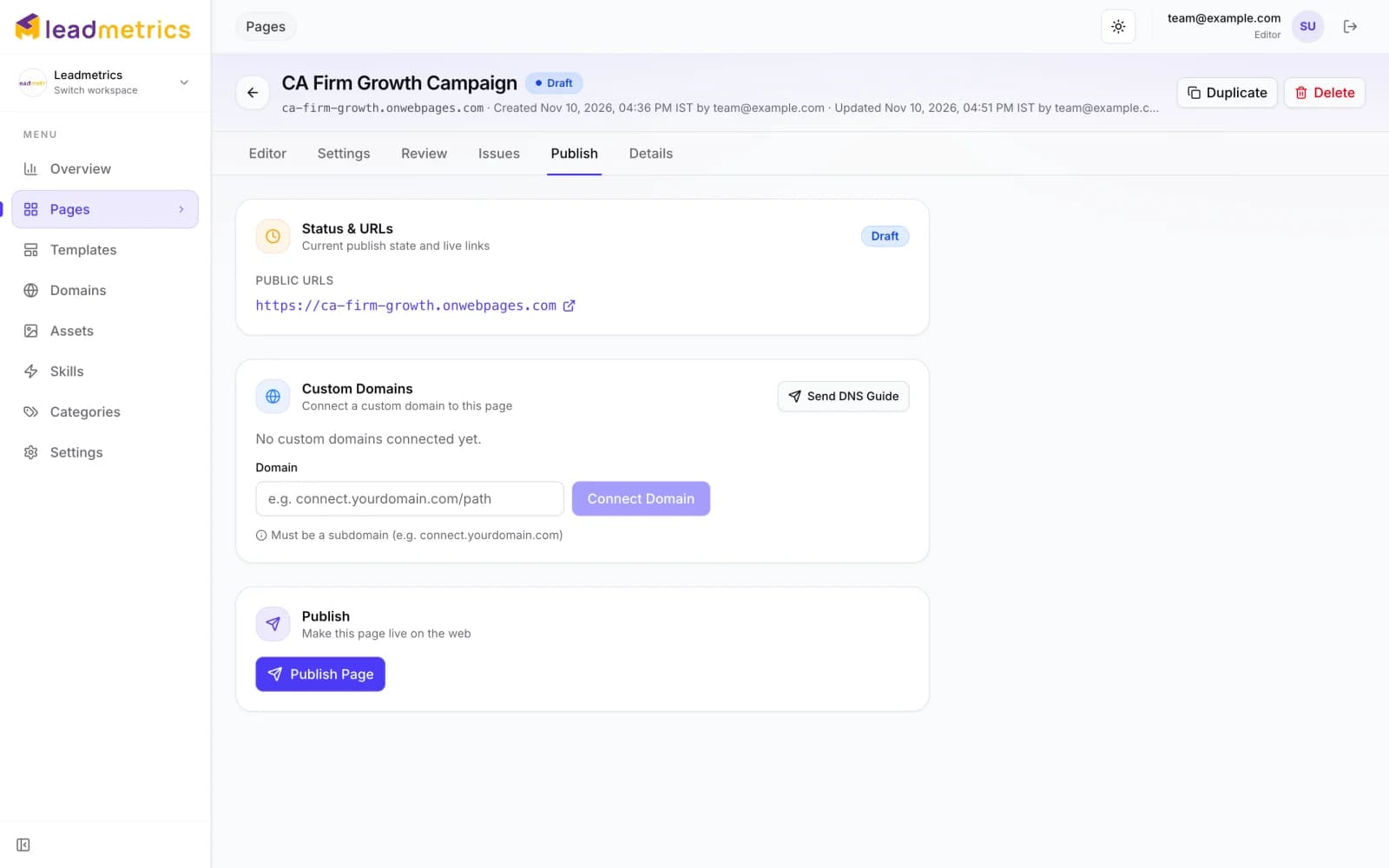
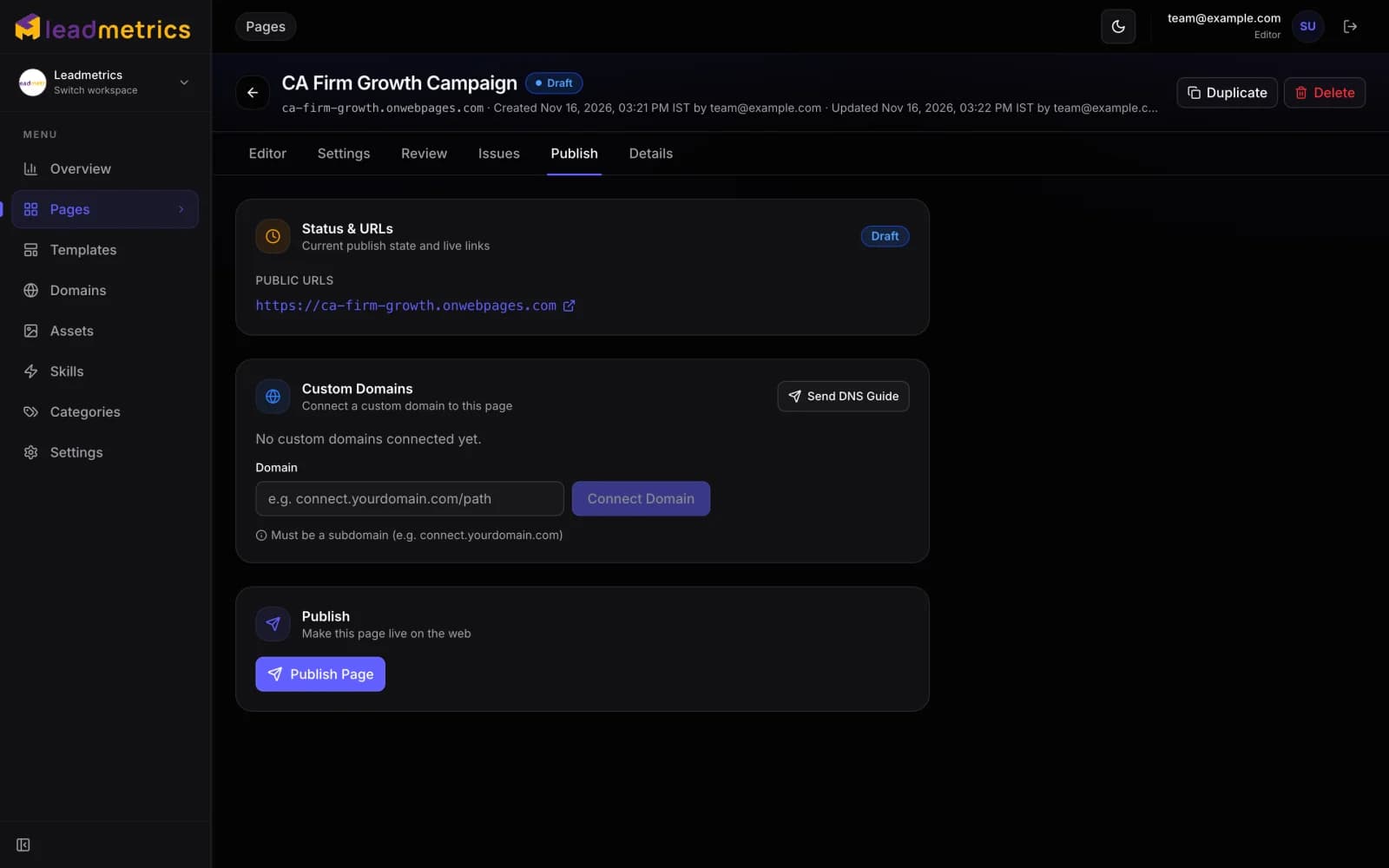
Every page is live at its own onwebpages.com address the moment you publish. Connect a subdomain of yours, or a path on it like connect.yourbrand.com/offer, and DNS is verified and SSL issued automatically.
- One click to publish, republish or roll back
- Several pages on one subdomain, each on its own path
- DNS guide emailed to whoever manages your domain
From Brief to Live Page.
One Tool, No Hand-Offs.
Writing, design, review, hosting and lead capture — the steps that usually pass between four people happen in one place.
AI Page Generation
Describe the offer, the audience and the goal. The builder drafts the full page — headline, sections, FAQs and calls to action — with your choice of Claude, GPT, Azure OpenAI or Gemini.
Edit by Chatting
Ask for a new colour scheme, a shorter headline or an extra testimonial section and see the change straight away. Fine-tune the source directly when you want full control.
Templates & Skills
Start from a template library organised into categories, and save your brand rules as skills the AI follows on every page it writes.
Versions & Rollback
Every generation and edit is saved as a version. Compare, restore an earlier one, or clone a winning page into a new campaign.
Private Preview Links
Share a draft with a client or a manager through a private preview link before anything is published.
Hosting & Domains
Every page is live on its own onwebpages.com address straight away, and can move to a subdomain of yours — verified and secured with SSL automatically.
Brand Fetch
Enter your website address and the builder pulls in your logo, favicon and brand colours, so the first draft already looks like your business.
Desktop, Tablet & Mobile Preview
Switch the live preview between desktop, tablet and phone widths while you edit, so the call to action is checked on every screen before launch.
Team Roles & Workspaces
Invite teammates as owners, admins or editors, and keep each client or brand in its own workspace — switching between them takes one click.
Asset Library
Upload images, SVGs and PDFs once and reuse them on any page. Files are served from a CDN, so pages stay fast.
Works With Your AI Assistant
A built-in MCP server lets Claude and other AI assistants list your workspaces, templates and skills, generate a page and track it to completion.
Pages Built With
the Landing Page Builder.
Our own campaign page and a few from our clients — each live on its own domain today. Hover a preview to scroll through it, or open the page itself.
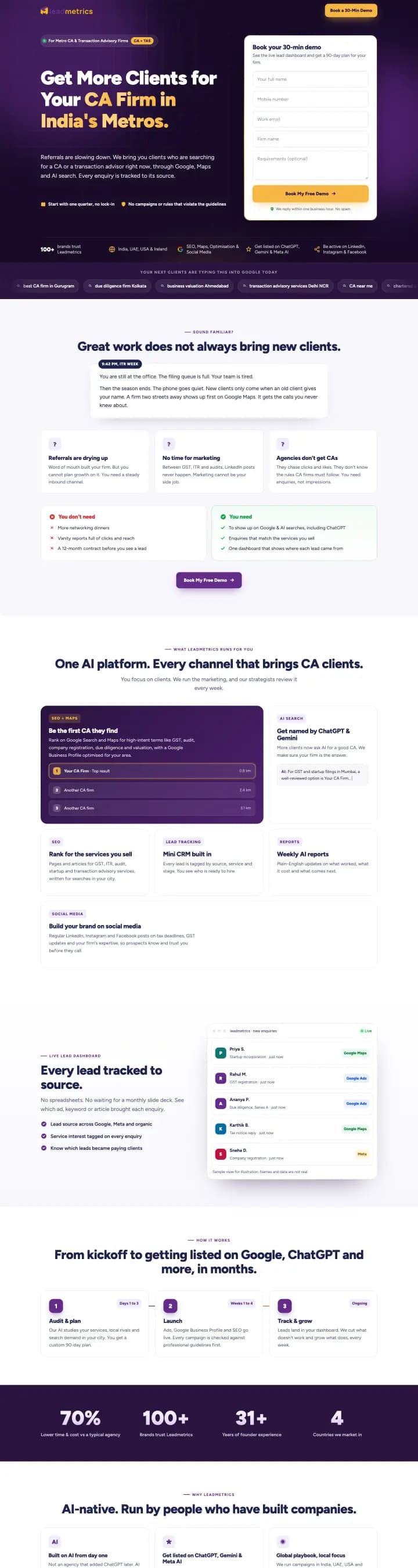 CA & Transaction AdvisoryGenerated with AI
Get More Clients for Your CA Firm in India's Metros.
connect.leadmetrics.ai/ca-firms-tier1-lp(opens in a new tab)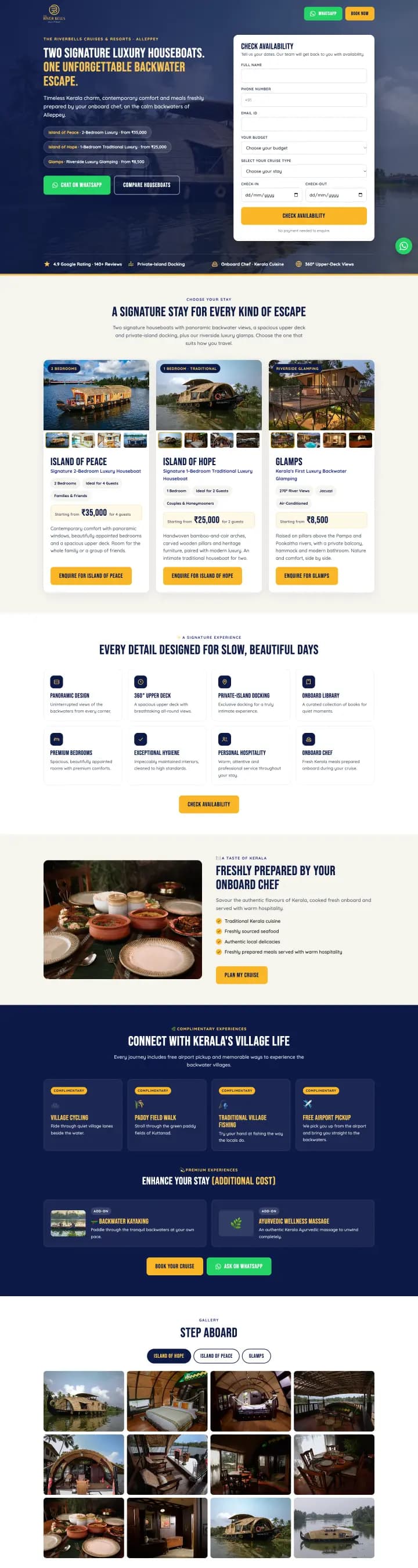 Houseboats & TravelGenerated with AI
Two Signature Luxury Houseboats. One Unforgettable Backwater Escape.
contact.riverbellscruisesandresorts.com(opens in a new tab)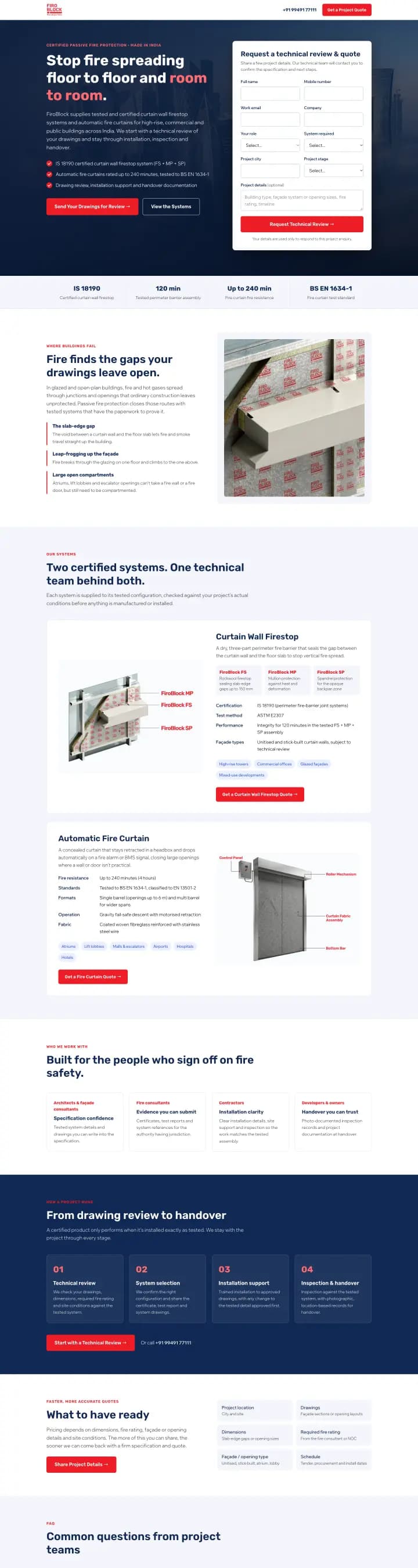 Fire ProtectionGenerated with AI
Stop fire spreading floor to floor and room to room.
connect.firoblock.com(opens in a new tab) Real EstateEdited with AI
Veegaland Amora — Premium 3 BHK Flats at Maradu, Kochi.
contact.veegalandpropertis.in(opens in a new tab)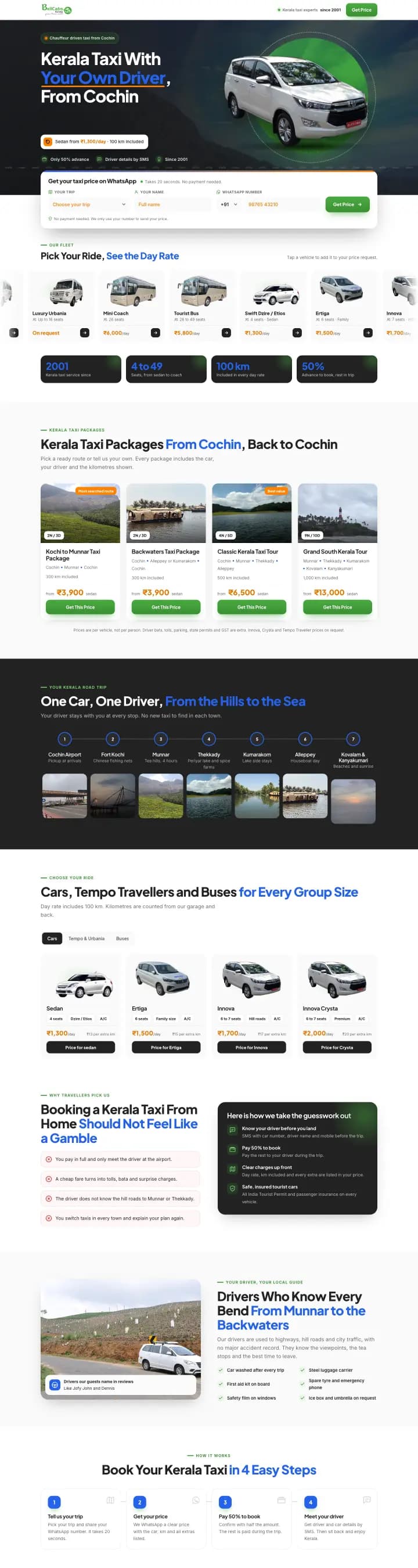 Taxi & Tour PackagesGenerated with AI
Kerala Taxi With Your Own Driver, From Cochin.
contact.taxikerala.net(opens in a new tab)
Everything a Campaign Page Needs.
Without the Production Queue.
Write it, check it, host it and capture the leads — in one place.
AI providers — Claude, GPT, Azure OpenAI and Gemini
Areas scored by the review agent on every page
Click to publish, and one to roll back
Issued automatically for every domain
Built for our own campaigns first — then opened up to everyone.
From Brief to Live Page,
in Four Steps.
Write the Brief
Pick a template or start blank, describe the campaign, and choose the AI model and the skills it should follow.
Generate the Page
The page is drafted in the background while you carry on working, and the preview opens the moment it's ready.
Review and Refine
The review agent scores the draft and suggests fixes. Accept them, or keep editing by chat until it reads exactly right.
Publish
Publish the approved version to its live address in one click. Roll back to any earlier version the same way.
Drafts stay private until you publish — share them through a preview link, not a live URL.
A Second Pair of Eyes
on Every Page.
The review agent scores each page across seven areas and lists what to fix. Pick the findings you agree with, see the proposed fix side by side with the current page, and approve or reject it — nothing changes until you say so.
Every Lead Lands
Where Your Team Already Works.
The Landing Page Builder doesn't keep a separate lead list. Its forms are your WebCMS forms, so every submission arrives with the rest of your leads.
Your WebCMS Forms
Choose one of your WebCMS forms for the page. It's added when the page is built — nothing to copy and paste.
Leads in One Place
Every submission goes straight to WebCMS as a lead, with the same scoring, alerts and assignment as the rest of your site.
Pages From Your Campaigns
Landing pages created by Leadmetrics campaigns arrive as drafts, ready for you to edit and publish.
Bring Pages You Already Have
Import an existing HTML page and keep improving it with the same editor, review agent and hosting.
Live on Your Domain.
No Server to Look After.
Pages are hosted by Leadmetrics, so there's nothing to deploy. Point a subdomain at it once and every page you publish there is secured and search-ready.
For Every Team That Needs
a Page Before the Campaign Starts.
Stop Letting the Landing Page Hold Up the Campaign.
Leadmetrics Landing Page Builder turns a brief into a reviewed, hosted landing page on your own domain — and every lead it captures goes into the same WebCMS account as the rest of your website.
AI Generation · AI Page Review · Hosting & Custom Domains · Built by Leadmetrics